Skibidi Astro Tower Defense PC and Mobile Controls
Place towers, upgrade fast, navigate menus, and vote difficulties without losing waves to clumsy inputs.
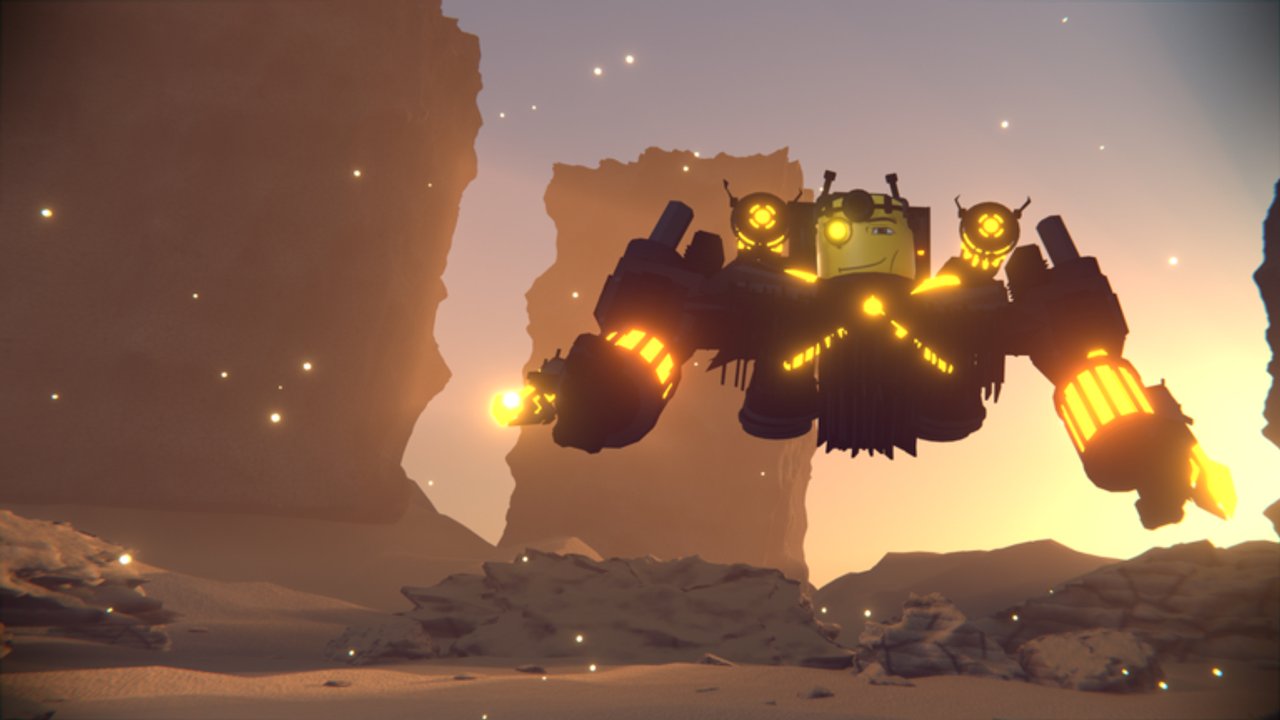
Clean inputs win matches in Skibidi Astro Tower Defense as often as rare units do. Astro toilet waves do not pause while you hunt for the upgrade button. This page covers PC and mobile placement, upgrading, menu navigation, and difficulty voting so your first Hard clears fail for strategy reasons—not finger reasons.
After you can click or tap without panic, return to getting started for the first-hour plan and units overview for what you should be placing.
Core actions every platform shares
Regardless of device, you repeatedly:
- Select a unit from your available roster or hotbar-style tray.
- Place it on a valid tower pad or path-adjacent tile.
- Select a placed tower to open upgrade or sell options.
- Open menus for summons, rewards, quests, trading, and settings between matches.
- Vote or select map and difficulty before a run starts.
If any of those five feel slow, practice in Medium until muscle memory lands. Co-op with up to three friends still expects you to cover your lane—AFK placement is how Easy goodwill becomes a wipe.
PC placement and camera habits
On PC, mouse precision is your advantage. Hover candidate tiles before confirming placement so you do not drop a Titan tax unit on a useless corner. Useful habits:
- Pre-aim the next pad while the current wave is still comfortable.
- Upgrade with deliberate clicks—mis-clicks that sell or open the wrong tower cost Gold and tempo.
- Keep the camera readable for the whole path; zooming into one fancy animation is how leaks start behind you.
- Use keyboard movement (standard Roblox character controls) only when you need a better vantage; the match is won on the UI, not on parkour.
When bosses appear, stop sightseeing. Select the choke towers, spend the upgrade stash you saved, and only then place emergency units. Panic double-clicks are how players burn Gold that should have funded the next wave.
Mobile placement and touch tips
Mobile players clear Skibidi Astro Tower Defense just fine—if they respect touch targets. Tips that reduce mis-taps:
- Play in a stable grip; one-hand clawing during Apocalypse invites mis-sells.
- Zoom enough to see pad borders before dropping expensive units.
- Pause social notifications during Endless pushes; a chat popup mid-boss is a free leak.
- Prefer shorter sessions if your device thermal-throttles and UI lag starts eating upgrade windows.
If a friend on PC calls placements in co-op, mobile players can focus on executing two or three pads well instead of micromanaging the whole map. Agree on calls before wave one.
Upgrading without starving the board
Upgrades are where Gold becomes defense. A simple rule from the economy guides still applies in the HUD: keep an emergency stash for the next nasty wave, especially in Endless Mode.
Upgrade priority cues:
- Towers that already see the path beat vanity pads that watch empty grass.
- Support units that buff a DPS core often beat a third disconnected DPS.
- Titans and Mythic or Omega carries need intentional feeding—see best units and Mythic units before you dump every coin into a trophy.
If the upgrade UI feels nested, practice opening and closing it between waves in Medium until it is boring. Boring is fast.
Menu navigation: rewards before ego queues
Between matches, navigate menus in a fixed order so you stop forgetting free currency:
- Daily rewards
- Quests
- Playtime gifts
- Codes entry (when you have new ones from the codes hub)
- Summon or shop decisions
- Trade review only if you already planned a deal (trading guide)
Jumping straight into Apocalypse while gifts sit unclaimed is a common self-own. Gold and Luck boosts also live in these menu layers—activate Gold boosts before farm blocks and Luck before summon blocks, as described in coin farming and summoning.
Voting difficulty and map select
Lobby voting (or equivalent select UI) decides whether your session is a farm, a lesson, or a wipe montage. Know what you are clicking:
- Medium: learning and warm-up.
- Hard: default serious farm and practice once stable.
- Apocalypse: structured high difficulty when the roster is ready.
If co-op votes split, talk before the timer ends. The weakest board in a three-friend party should set the farm difficulty; push lobbies can be scheduled separately. Map choice matters too—three maps means three pathing lessons. Do not infinite-queue the only layout you know if you plan Endless leaderboard runs later.
Quality-of-life habits that feel like “better controls”
- Claim rewards at session start so menus stay cleaner in your head.
- Keep a short personal note of which key or tap you misfire most; fix that one bind or grip issue first.
- Spectate your own mistakes in the next Medium run instead of blaming banners.
- Update expectations after patches listed on updates—UI layouts can shift.
- Use Discord
https://discord.gg/6f53sYnJNfor “where did they move X button” questions after big patches, then verify in-game.
Practice drills (ten minutes)
- Place five towers on Medium without misplacing once.
- Upgrade a single choke line from starter to comfortable without opening unrelated menus.
- Open rewards → close → ready up in under thirty seconds.
- Vote Hard on purpose, then vote Medium on purpose, confirming you can hit the intended option under time pressure.
When those drills are easy, your mechanical floor is high enough that tier list choices and farming routes decide wins.
Controls will not summon a Mythic for you—but they will make sure the Mythic you already own is actually on the correct pad when the boss turns the corner.
Frequently Asked Questions
Quick answers for Skibidi Astro Tower Defense players.
Are controls different on PC and mobile?
The actions are the same—place, upgrade, navigate menus, vote difficulty—but PC offers finer mouse placement while mobile needs more care with zoom and touch targets.
What should I practice first?
Accurate placement on valid pads and fast, deliberate upgrades on towers that already cover the path. Use Medium until both feel automatic.
How do I avoid mis-taps on mobile?
Stabilize your grip, zoom to see pad borders, and avoid upgrading during chaotic boss moments until you can clearly select the intended tower.
When do I vote for each difficulty?
Medium to learn, Hard for reliable practice and farming once stable, Apocalypse when your roster and placements are ready for a structured hard clear.
What menus should I open before queueing?
Claim dailies, quests, and playtime gifts first. Then decide on boosts, summons, or trades with a plan—not mid-panic.